
How to Track 100+ Job Applications Without Losing Your Mind
By JobTracker Team
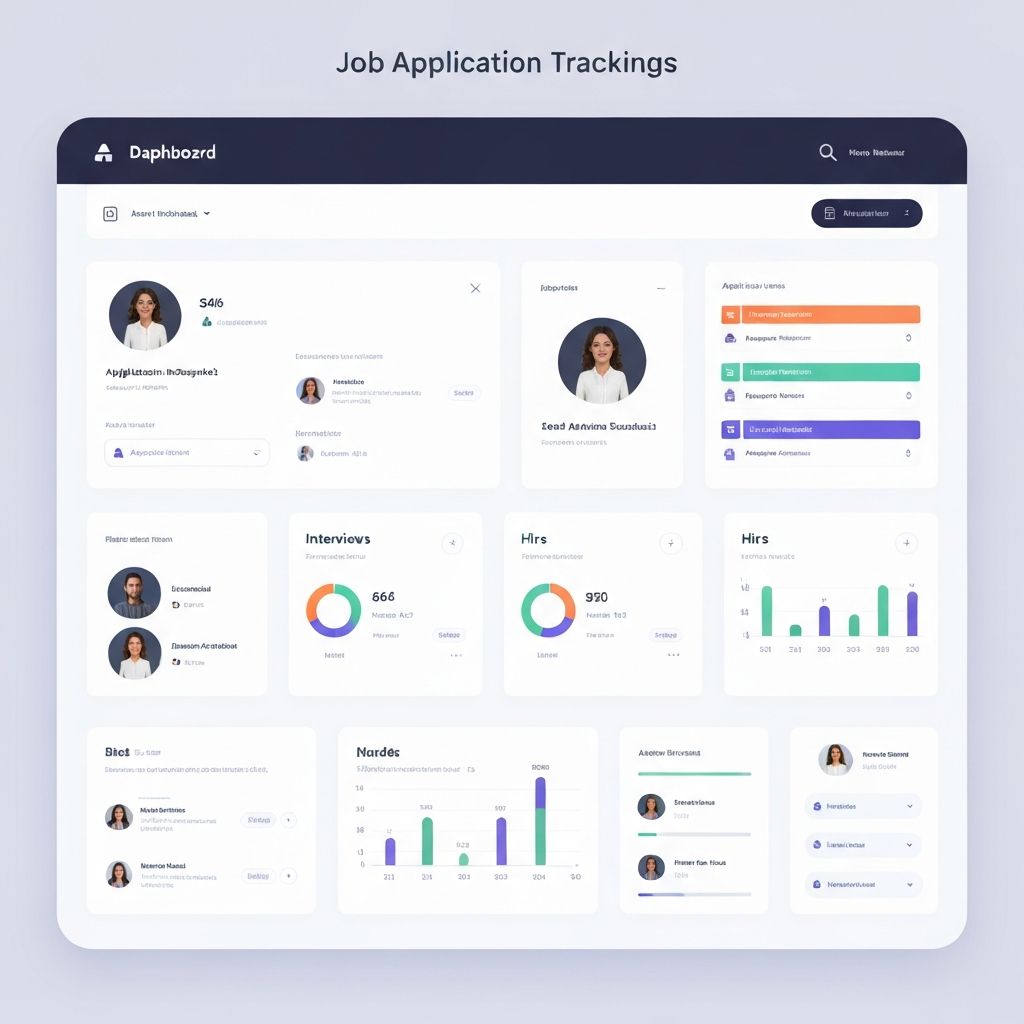
The Problem
Job searching is overwhelming. You're sending out applications left and right, and before you know it, you've lost track of which companies you've applied to, when you applied, and whether you've heard back.
The Spreadsheet Trap
Here's the truth: spreadsheets are outdated and inefficient.
Manual data entry: Every application requires typing company name, role, date, URL, and notes
Prone to errors: One typo or forgotten entry can cost you an opportunity
No reminders: You forget to follow up because you forgot to set a reminder
Time consuming: Updating 50+ rows after every application takes 10-15 minutes per day
One mistake can mean missing an interview invitation buried in your inbox, or worse - double-applying to the same company and looking unprofessional.
The Solution: Automation
By forwarding your application confirmation emails to a tracking system, you can:
1. Automatically Extract Company Names and Job Titles
AI reads your confirmation emails and pulls out the company name, job title, application date, and even recruiter contact information - no manual typing required.
2. Track Application Dates and Response Times
Know exactly when you applied and how long it's been. The system calculates average response times so you know when to expect replies and when to follow up.
3. Set Reminders for Follow-Ups
Never miss a follow-up again. The system automatically suggests when to send follow-up emails based on industry averages and company response patterns.
4. Analyze Your Success Rates by Job Board
See which job boards and sources give you the best response rates. Focus your energy on what actually works instead of blindly applying everywhere.
How It Works: The Email Forwarding Method
With the right tools, you can focus on what matters: preparing for interviews and networking, not updating spreadsheets.
Choose a System That Integrates with Your Email
Look for job tracking tools that support email forwarding (like JobTracker Pro). You'll get a unique forwarding address like jobs-tracker@inbox.yourapp.com
Set Up Auto-Forwarding Rules
Configure your email to automatically forward confirmation emails:
Gmail Filter Example:
Subject contains: "application" OR "applied" OR "thank you for applying"
Action: Forward to your tracking address
Let AI Do the Heavy Lifting
The system receives your emails, uses AI to extract company name, job title, application date, recruiter contacts, and automatically organizes everything in your dashboard. No manual entry required.
Review and Manage in One Dashboard
See all your applications in one place: pending responses, interview schedules, rejections, and offers. Filter by status, sort by date, export to Excel - all without touching a spreadsheet.
The Bottom Line
Start by choosing a system that integrates with your email. Forward your confirmations, and let AI do the heavy lifting.
You'll go from stressed and disorganized to calm and in control - with all your applications tracked automatically.